Share your love
Create a Package on WHM for a cPanel Account | Easy Setup
In this article, we want to teach you How To Create a Package on WHM for a cPanel account. cPanel is one of the most popular control panels among web developers and hosting companies. It is typically paired with WHM (Web Host Manager) with each playing separate roles.
Web Host Manager provides administrative control over the server. In addition to server configurations, WHM creates multiple accounts and manages more than one website.
This guide on the Orcacore website will teach you how to create WHM package for a cPanel account.
Table of Contents
Create a Package on WHM for a cPanel account
In WHM (Web Host Manager), a Package is a predefined set of resource limitations and features that can be applied to a cPanel account. It helps web hosting providers manage multiple accounts efficiently by assigning them specific limits instead of configuring each account manually.
Key Purposes of Packages in WHM:
- Resource Allocation: Define disk space, bandwidth, email accounts, databases, etc., for each account.
- Efficiency: Save time by applying the same settings to multiple accounts.
- Account Control: Restrict or upgrade resources based on the hosting plan.
- Scalability: Easily upgrade or downgrade cPanel accounts by changing the package.
- Standardization: Ensure consistency in hosting plans for customers.
There is a feature on WHM that allows you to create a new package that you can assign to any cPanel account. To do this, log in to your WHM dashboard and follow the steps below.
Build or Create WHM Package
At this point, you need to log in to your WHM as a root user to create a package.
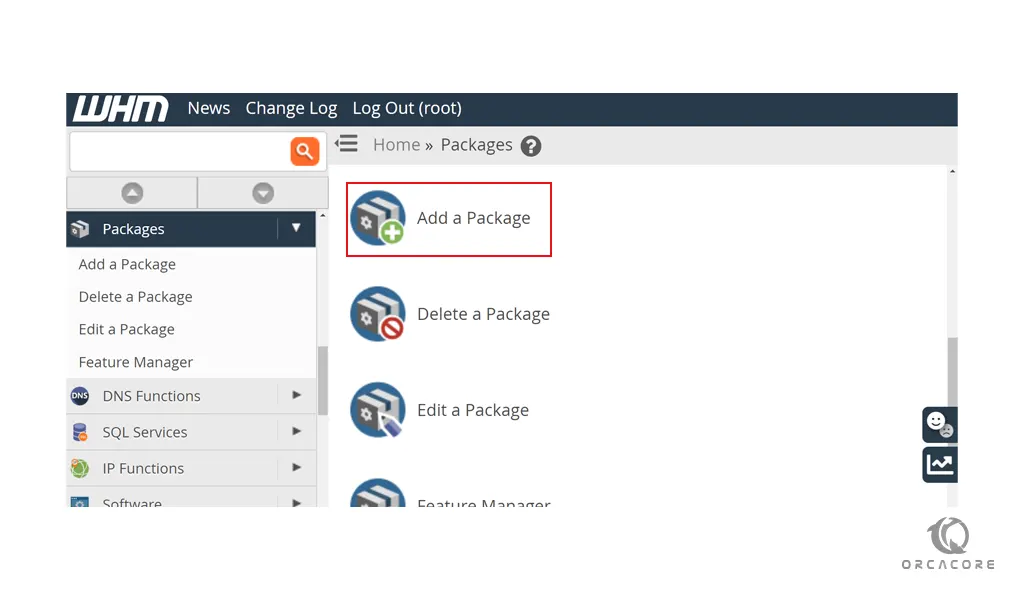
Then, From WHM search for the Packages. Click on the Add a package.
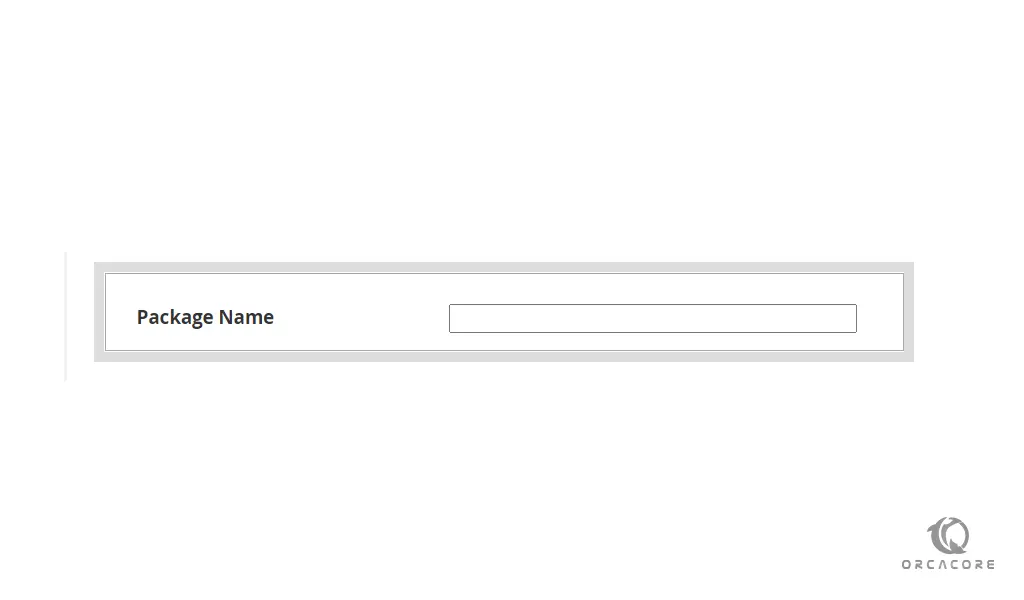
First of all, you need to set a name for your package.
Note: Only the reseller can see the package name preceded by a reseller’s username and an underscore.
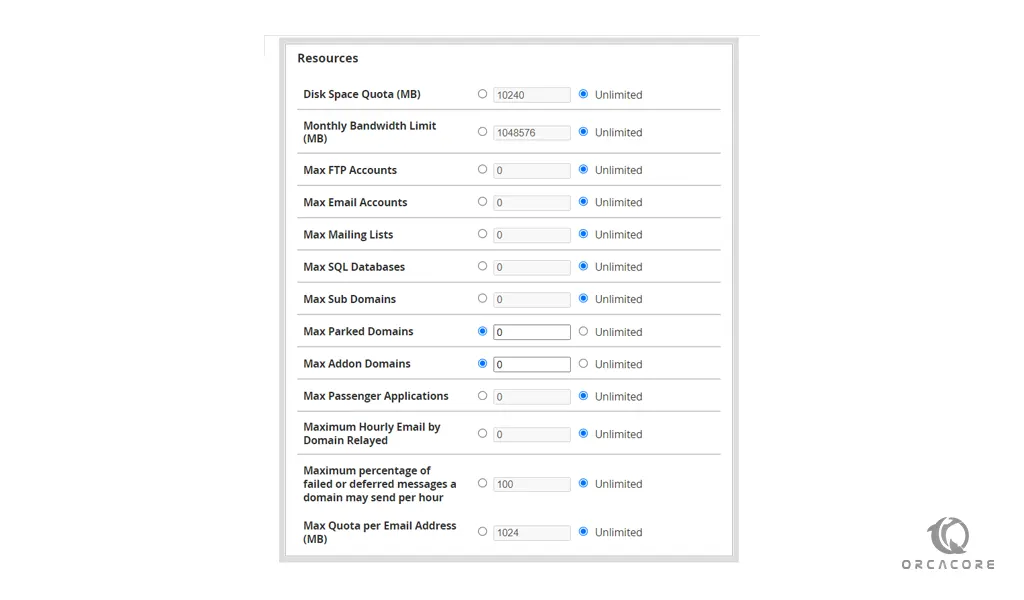
At this point, you will see the Hosting Resources field. It includes disk space amount, bandwidth, number of FTP accounts, email accounts, databases, and subdomains. Set your desired values on WHM for a cPanel account.
At this point, you need to specify your choice of Settings you wish to apply with this hosting package. It includes the cPanel theme, feature list, language, CGI access, Shell access, etc.
When you are finished, click on the Add button.
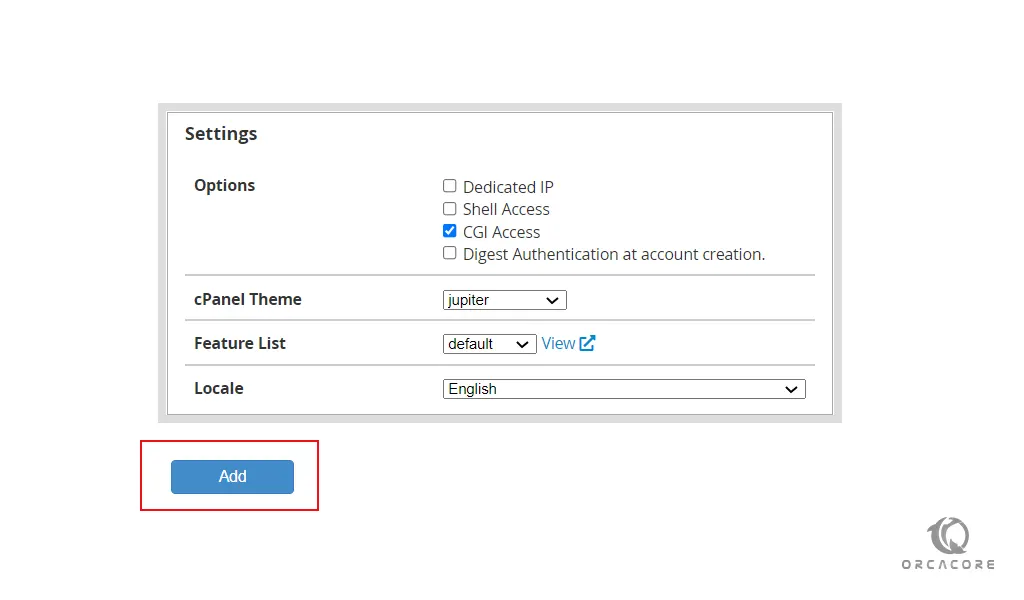
Now you will see that your package is added to your packages. Also, you can edit and delete a package easily on WHM any time you want.
Conclusion
At this point, you have learned to add a package on WHM for a cPanel account. It helps you manage multiple accounts efficiently by assigning them specific limits instead of configuring each account manually.
Hope you enjoy it. Please subscribe to us on Facebook, YouTube, and X.
Also, you may like to read the following articles:
Create a cPanel account on WHM
Fix cPanel/WHM Installation on Red Hat 6 & 7
Install cPanel WHM on Rocky Linux 8
FAQs
What is a Package in WHM?
A package in WHM is a predefined set of resource limits and features assigned to a cPanel account, helping in efficient hosting management.
Can I edit an existing Package in WHM?
No, WHM does not allow direct editing of packages. You must delete and recreate the package with new settings.
Can I upgrade a cPanel account’s Package?
Yes, you can change the package for an existing cPanel account in WHM under Modify an Account.
How do I assign a Package to a cPanel account?
While creating a cPanel account in WHM, select the desired package. You can also change it later via Modify an Account in WHM.