Stay informed and not overwhelmed, subscribe now!
Configure SELinux in Fedora Linux Command Line: Efficient Steps

In this guide, you will learn the SELinux modes and how you can change your SELinux mode in Fedora Linux.

In this guide, you will learn the SELinux modes and how you can change your SELinux mode in Fedora Linux.
In this tutorial, you will learn to Install the latest CMake on Fedora 39 from the Command Line Terminal. To get the latest version of CMake, you can easily build it from the source.
This tutorial will teach you to Install Google Chrome in Fedora Linux 39 Using Terminal with DNF and Flatpak and start using it. Also, you learn to run your Chrome as a root user if it is needed.
Step by Step Create a RAM Disk or RAM Drive on Linux from the Command Line Terminal.
You can follow this guide to get the installation steps of the latest PHP version on Fedora Linux 39.

In this guide, you will learn to use Snapd and Flatpak to Install Telegram Desktop Application on AlmaLinux 9 / RHEL 9 such as Rocky Linux 9.
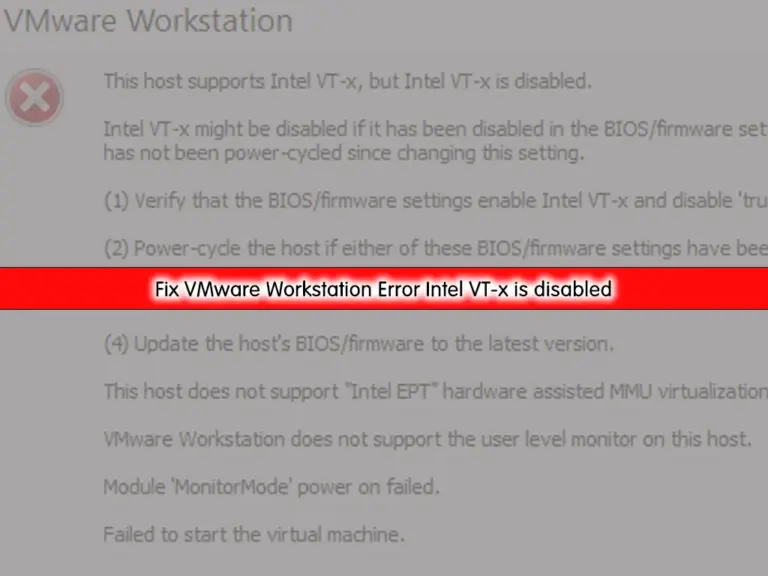
Simply learn to Fix VMware Workstation Error This host Supports Intel VT-x, but Intel VT-x is disabled.
Learn a Complete Steps to Install Fedora Linux 39 on VMware Workstation with this guide.
A piece of exciting news was published on November 7, 2023 which Fedora Linux 39 is Officially Released with Gnome 45 and other amazing features. In this tutorial, we discuss Fedora Linux 39 and its new features and improvements.
This guide will show you different ways to Install VLC Media Player in RHEL 9 Servers including AlmaLinux 9 and Rocky Linux 9 Step by Step.
Learn 2 different methods including DNF and Flatpak to install GIMP image editing software on AlmaLinux 9 / RHEL 9 like Rocky Linux 9.

Gnome Desktop Environment Installation Steps on AlmaLinux 9 and Enable the GUI Mode with this guide.
Stay informed and not overwhelmed, subscribe now!